Emergency Preparedness for Renters Who Work from Home
Emergency preparedness for renters who work from home adds one more layer to the usual plan: your home is also your office. When the power or internet goes out, you lose both your living space and your income for the day. A few backups keep a short outage from becoming a missed deadline.

Your home office is also your risk
Working from home means a single outage can stop both your home and your work. The good news is that most work from home disruptions are short, and a handful of backups cover the gap until power or internet returns.
Keep your devices charged
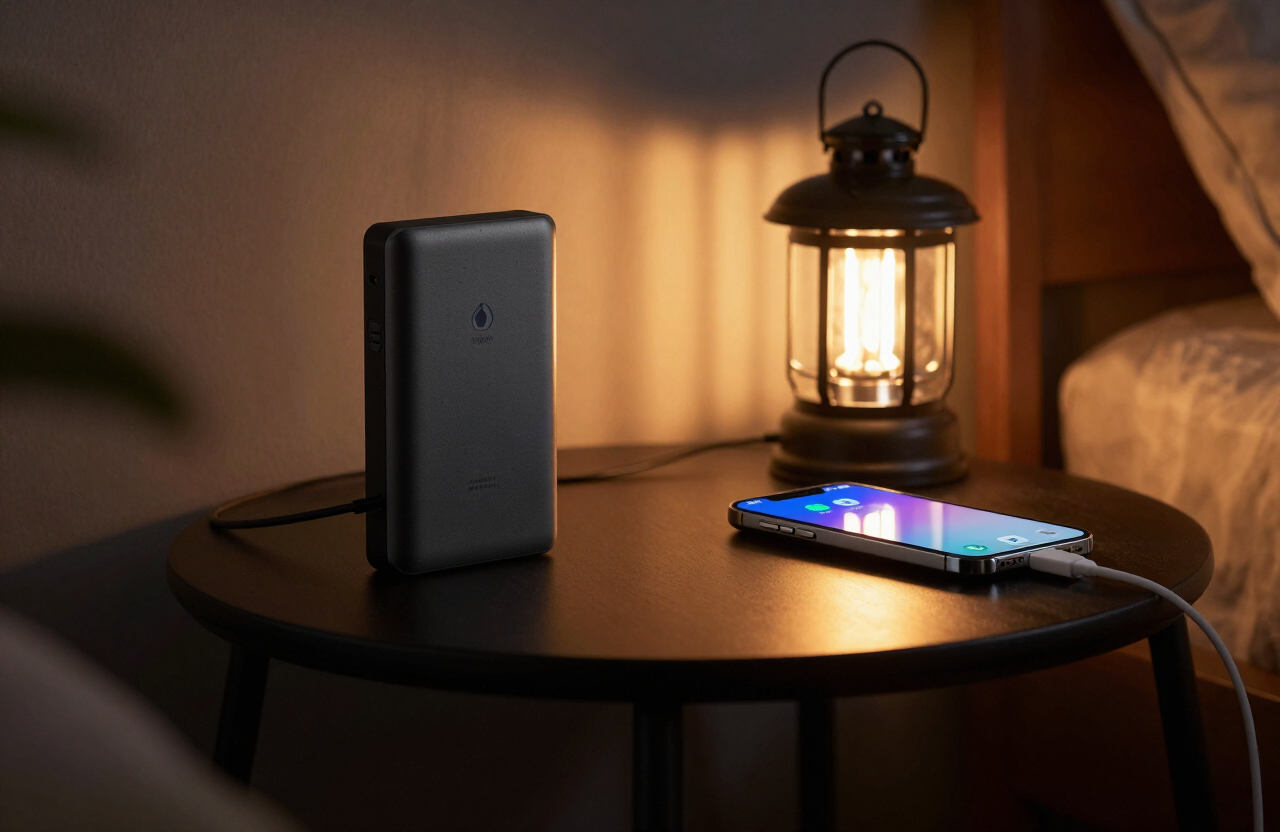
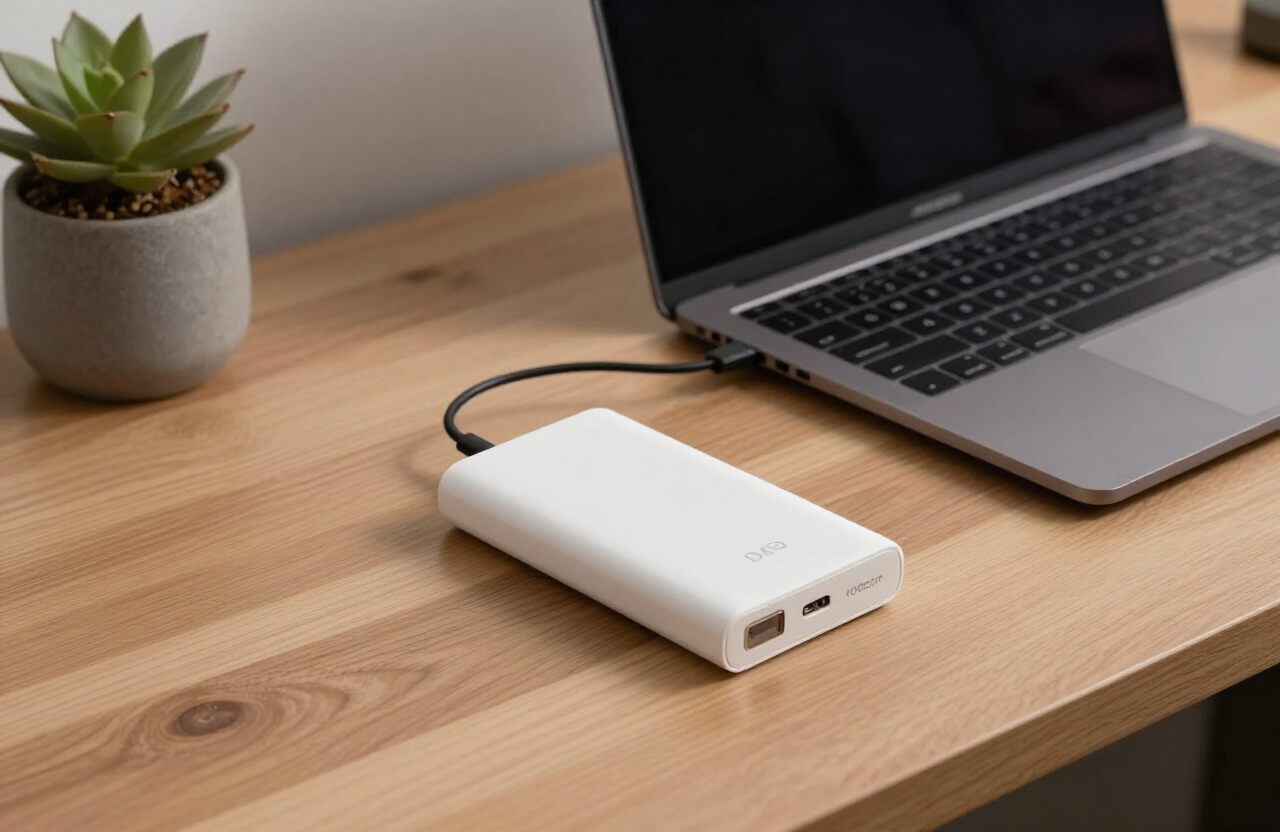
The first thing an outage takes is power. A power bank sized for your laptop, plus a habit of charging everything overnight, buys you several working hours.
- Buy a power bank rated to charge a laptop, not just a phone
- Keep your laptop and phone topped off overnight
- Store a charged spare phone battery or small power bank in your bag
- Know your devices real battery runtime so you can plan
Plan for an internet outage
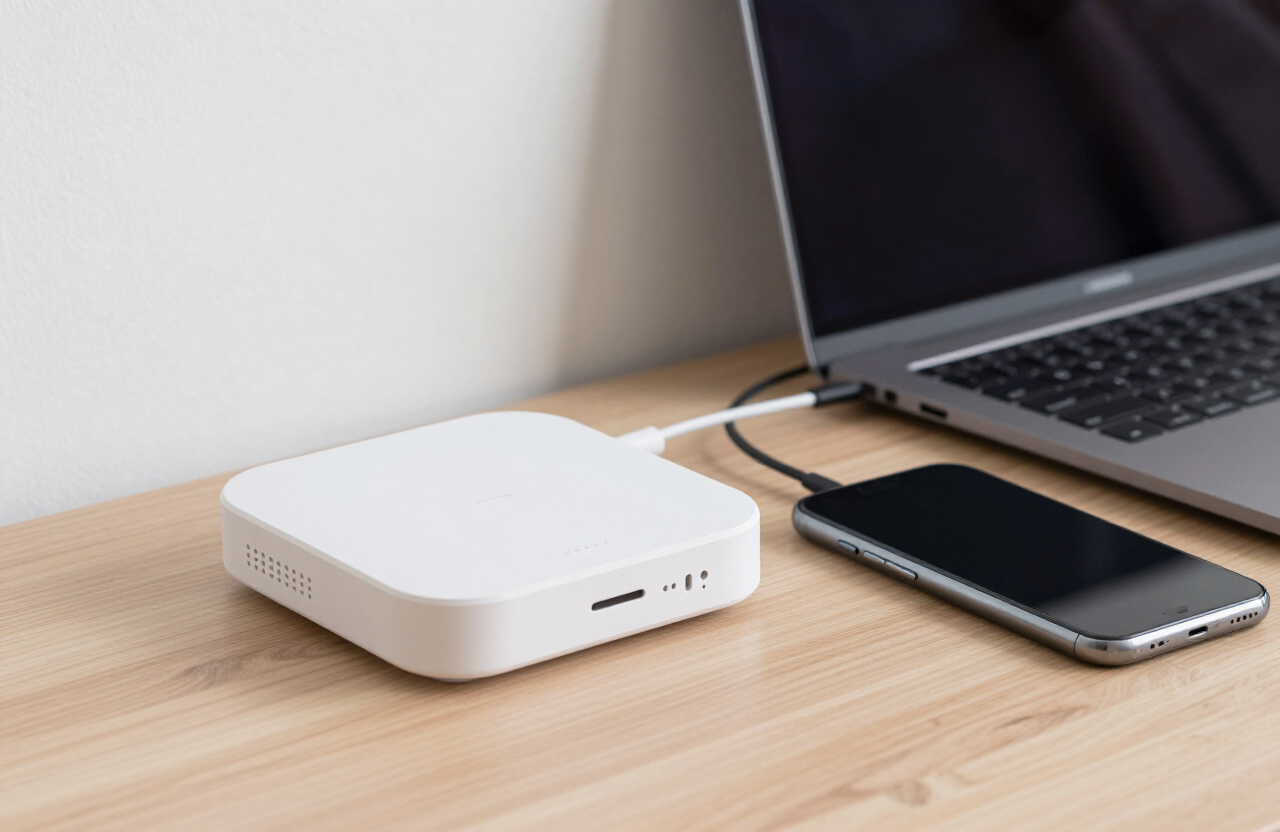
Sometimes the power stays on but the internet drops, or your home wifi router resets. A backup connection keeps you online long enough to finish what matters.
- Keep a mobile hotspot device or use phone tethering
- Check your phone data plan limits before you need them
- Save key video calls for a wired or strongest signal moment
- Have a backup wifi network, like a neighbors you can borrow in a pinch
Keep offline copies of key files
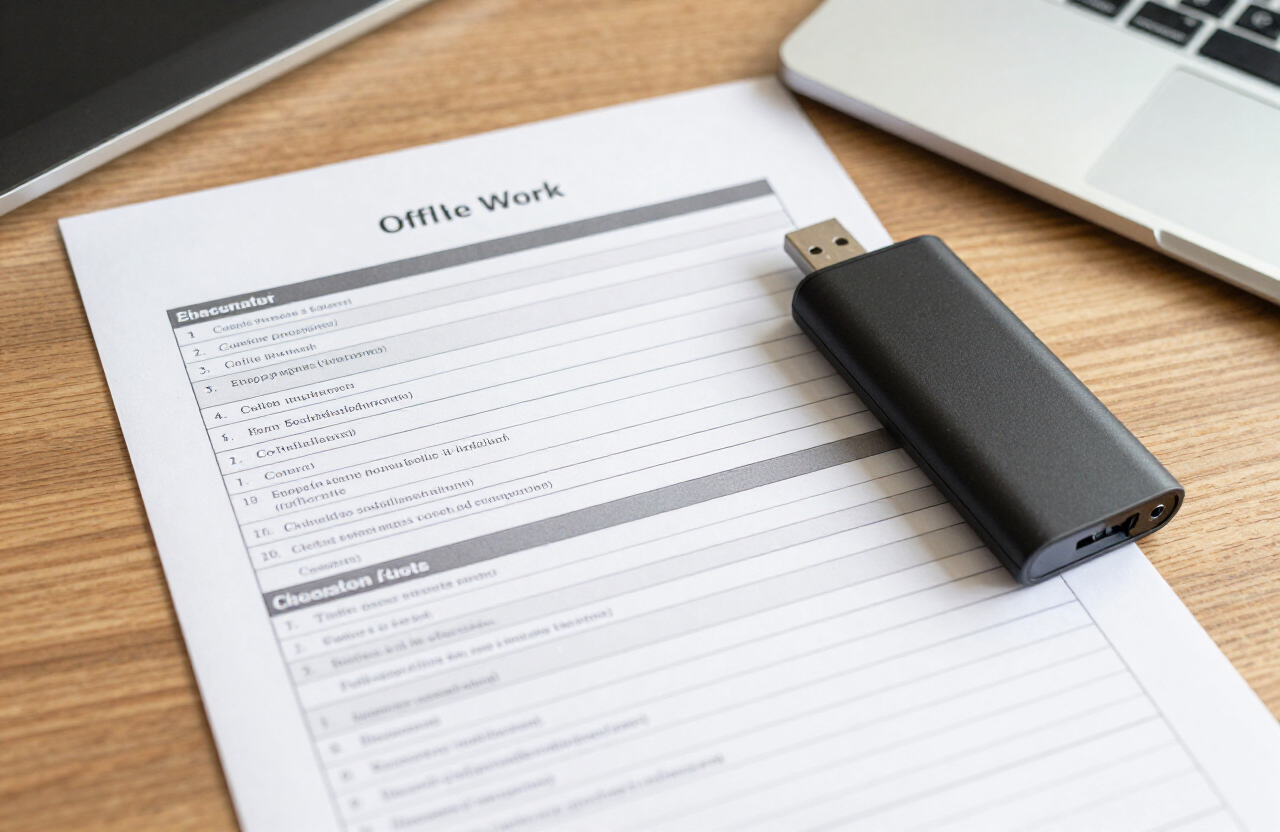
Cloud storage is great until the internet is out. Keep offline copies of the files you would need to keep working, or at least to send a quick status update, on a USB drive or your local drive.
- Sync key documents to your laptop drive, not only the cloud
- Keep a USB backup of critical files in your bag
- Save offline copies of contact info for your team and clients
- Note which tasks you can do fully offline
Have a relocation plan
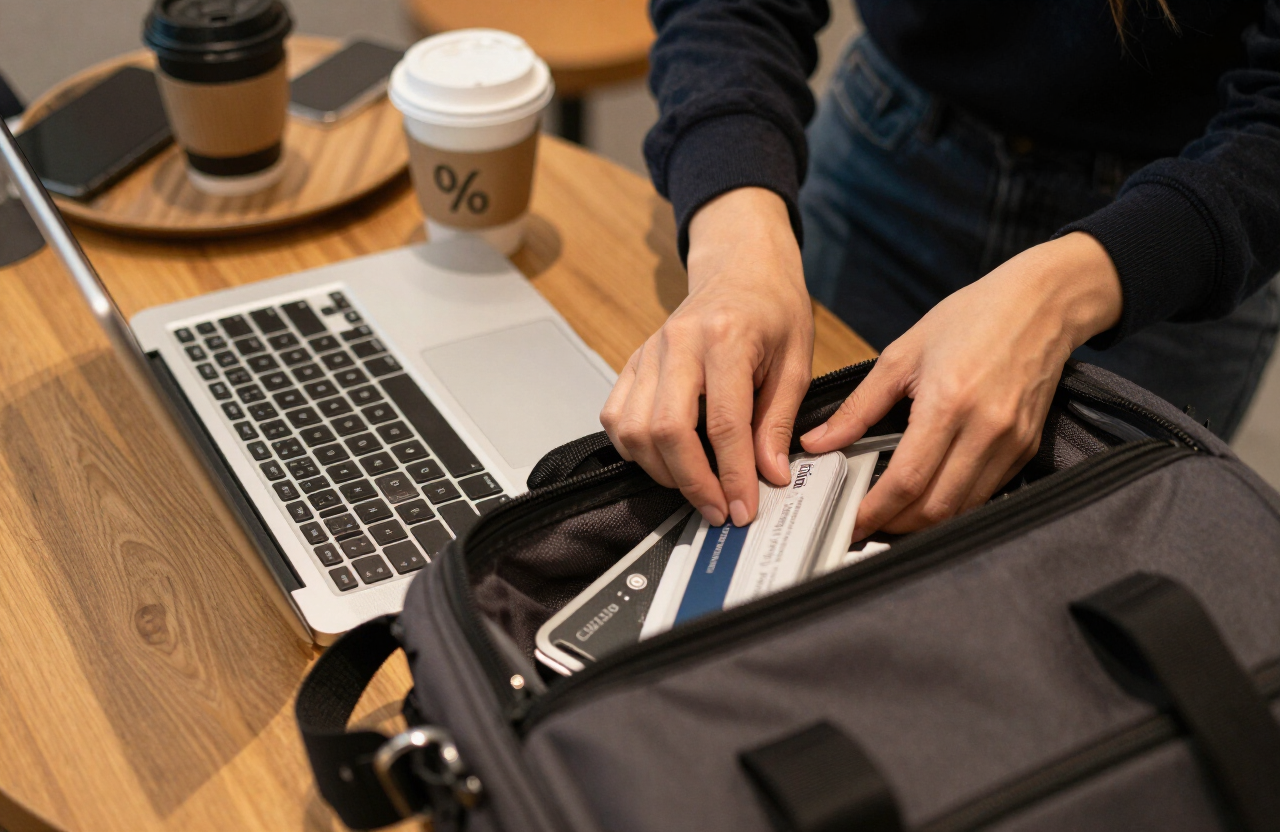
When the outage is clearly going to last, the best move is often to relocate. A short list of nearby places with power and wifi turns a lost day into a minor detour.
- Identify two or three nearby cafes, libraries, or coworking spaces
- Note their hours and whether they get crowded
- Keep your work bag packed and ready to grab
- Charge devices before you leave home
Communicate early with your team
The single best work from home emergency habit is telling your team early. A quick message that you lost power and are relocating is far better than going silent and missing a meeting.
- 1Message your team the moment you know the outage will affect work
- 2Say what you can still do and what is blocked
- 3Give a rough estimate of when you will be back online
- 4Follow up once you are set up at your backup spot

Frequently asked questions
Editorial note: this guide provides general preparedness information, not emergency, medical, legal, or engineering advice. Recommendations are cross-checked against public emergency-management guidance and adapted for small-space living. During an active emergency, follow your local authorities and emergency services. See our editorial standards and affiliate disclosure.